Webflow for Multi-Language SaaS Websites: How to Build, Localize, and Rank Internationally
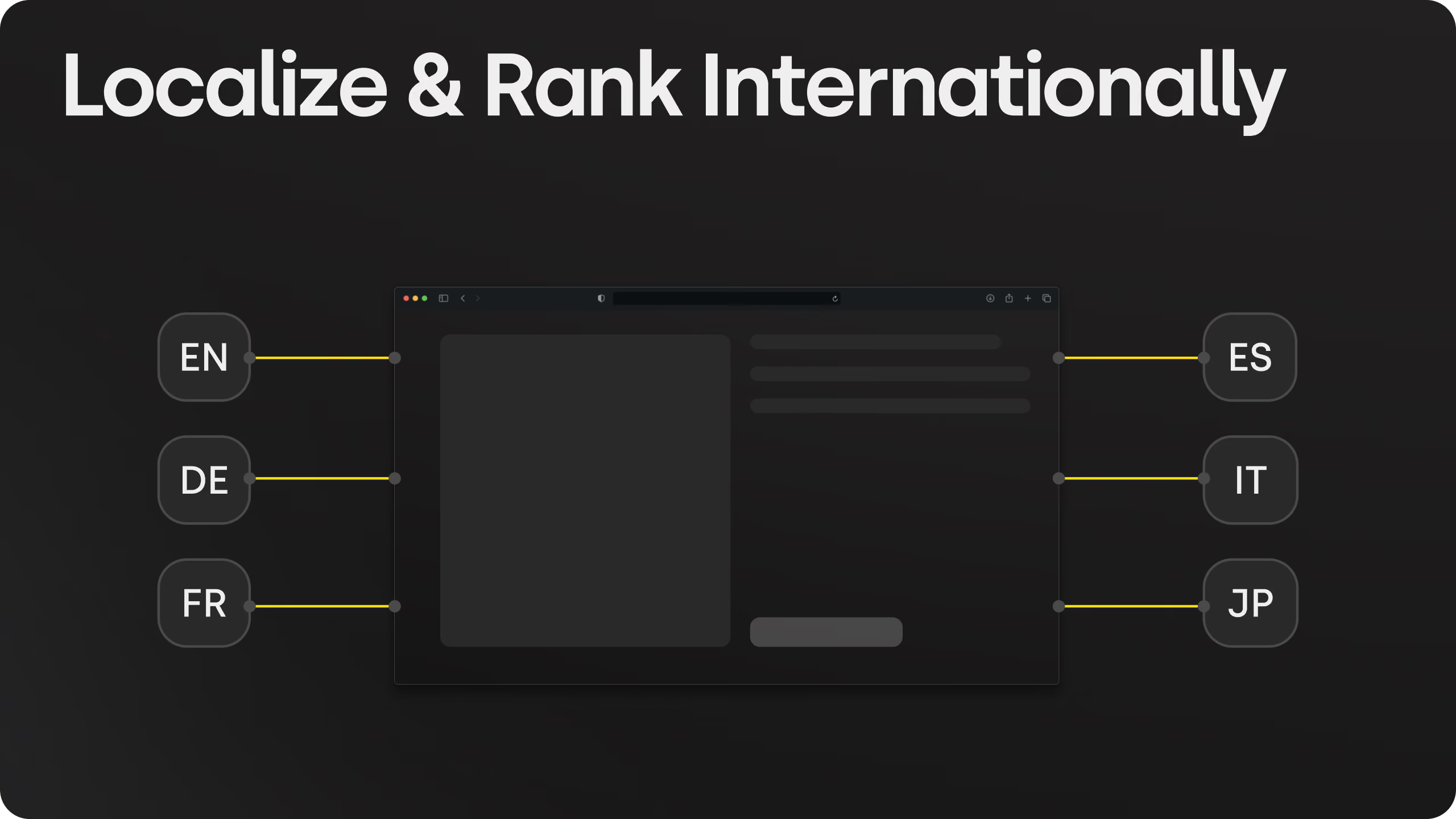
Webflow is a strong platform for building and scaling a multi-language SaaS website, especially when the goal is to localize fast, preserve SEO control, and support international growth without moving into a fully custom stack. The strongest setup depends on the scale of your localization: Webflow Localization works best for controlled native localization, Weglot is strongest for fast multi-language rollout, and Crowdin or Phrase fit larger teams managing continuous translation workflows.
The results speak for themselves: Paddle found that offering local currencies increases conversions by 25% on average, while Respond.io doubled both search impressions and website traffic after expanding its Webflow site into 15 languages.
The challenge isn't translating your website, it's building it so every language version can rank and scale independently. This guide compares Webflow Localization, Weglot, and Crowdin/Phrase, breaks down when each approach makes sense, and covers the technical architecture, SEO, and AEO foundations a multilingual Webflow site needs to perform across international markets, including a case study of Skywwward's own multi-domain, multilingual build for Hoovest.
Why Multi-Language Matters for SaaS Growth
International expansion is rarely optional once a SaaS company starts competing for non-English-speaking markets. Buyers convert at meaningfully higher rates when product and pricing pages are presented in their own language, and localized SaaS sites consistently show longer session durations and lower bounce rates than English-only equivalents. For example, Paddle, a SaaS billing platform, found that offering local payment methods lifts checkout conversion from 4.3% to 6.5%, and that companies offering local currencies see roughly 25% more conversions on average, with 5-10% lifts in specific markets like Germany and France. Language is only one part of that experience. It depends on the site being built so each locale gets its own indexable URL, its own translated metadata, and its own signal to Google and AI answer engines that the content is a legitimate regional variant rather than a duplicate.
That's the part most teams underestimate. Translating the copy is the easy half. Structuring the site so search engines and answer engines understand the relationship between locales is where most multilingual launches lose traffic.
Three Ways to Build a Multi-Language SaaS Site in Webflow
There are three common paths to building a multi-language SaaS site in Webflow, and each one solves a different problem
Webflow Localization (native)
Built directly into the Designer. You manage a primary locale and add secondary locales that inherit content, styles, and components by default, then override what needs to change per language. Locale subdirectories, hreflang tags, and localized sitemaps are generated automatically, all of it running inside Webflow itself with no external script and no third-party tool to manage.
Weglot
A JavaScript snippet that detects and translates visible content automatically, including CMS items, metadata, and image alt text, then serves each language on its own subdomain or subdirectory with server-side hreflang tags. The visual editor lets you click directly on live text to translate it, which is faster than working through field lists.
That speed shows up in real results. Respond.io, a SaaS customer conversation platform built on Webflow, added 15 languages with Weglot to reach customers across nearly 90 countries, and saw search impressions and website traffic each double afterward. The Bradery translates 500+ product launches a day into English and Spanish automatically, saving more than 100 hours of manual translation work. And agencies like Influence Society deliver hotel client sites in 40+ languages using the same setup, without rebuilding the site architecture for each one.
Crowdin or Phrase
Enterprise-grade translation management. These platforms sync Webflow pages and CMS collections into a professional translation pipeline, support AI translation plus human review, and push completed work back into Webflow automatically. Built for teams managing continuous content updates across ten or more locales, not a one-time translation pass.
Webflow Localization vs. Weglot vs. Crowdin: Which One Fits Your SaaS
Choose native Webflow Localization if:
- You're supporting 2–15 languages and want every locale to keep the exact design fidelity of your primary site
- Your marketing team wants to edit translated content directly in the Designer, without leaving Webflow
- SEO control matters and you want hreflang, canonical tags, and sitemaps handled natively, without a third-party script sitting in your head code
Choose Weglot if:
- You need to go live fast across many languages without restructuring your CMS
- Your team doesn't have bandwidth to translate page by page and CMS item by item
- You're comfortable trading some native SEO control for automatic detection and a visual translation editor
Choose Crowdin or Phrase if:
- You're publishing new content continuously across ten or more locales and need a managed translation pipeline, not a one-time pass
- Multiple stakeholders (translators, reviewers, regional teams) need a dedicated workspace outside the Webflow Designer
- Webflow's CMS field limits are already a constraint and you need API-driven sync at scale
There isn't a universally "best" tool here. Webflow Localization wins on design control and native SEO. Weglot wins on speed and ease for teams without dedicated localization resources. Crowdin and Phrase win when translation becomes an ongoing operational workflow rather than a launch task.
Recommended Site Architecture for a Multi-Language SaaS Site
The architecture that scales cleanly across locales looks the same regardless of which translation tool sits underneath it:
- Build the entire site in one primary language first. Don't localize and design at the same time.
- Use locale subdirectories (/fr, /de, /es, /ja), not subdomains or query parameters. Subfolders keep domain authority centralized and are the easiest structure for Webflow and most translation platforms to manage.
- Keep one CMS and localize each Collection item, rather than duplicating Collections per language. Webflow content management now supports up to one million CMS items per project, which removes the old constraint that forced teams into separate collections per locale.
- Use a single locale switcher component (Webflow's Locale list element, or a Weglot/Crowdin switcher) so every new language automatically appears in navigation without manual updates.
A typical SaaS page tree looks like this:
/
├── Home
├── Product
├── Features
├── Pricing
├── Integrations
├── Use Cases
├── Resources
    ├── Blog (CMS)
    └── Guides
├── Tech Documentation
├── About
└── Contact

Localized under: /fr  /de  /es  /ja
Keep the design system identical across locales. Only text, assets, and locale-specific styling (like right-to-left layout for Arabic or Hebrew) should change. Webflow automatically applies RTL script support for Arabic, Persian, Hebrew, Urdu, and Yiddish locales, even before content is translated.
What Should Be Localized Beyond the Copy
Translation covers headlines, body copy, and navigation. A complete localization covers more:
- CTAs and microcopy (these convert differently across cultures, not just languages)
- Blog articles and documentation
- Meta titles, descriptions, and Open Graph content
- Images and graphics containing embedded text
- Testimonials, when region-specific social proof performs better than global logos
- Currency, date formats, and any legally required regional disclosures
Skipping any of these leaves a locale that reads as machine-translated rather than built for that market, which shows up directly in conversion rate.
SEO and AEO for Multi-Language Webflow Sites
Translation without SEO structure is invisible to search engines and answer engines alike. These are the fundamentals that determine whether each locale actually ranks and gets cited:
Hreflang tags. Tell Google which language and region a page targets, preventing duplicate-content penalties across locales. Webflow generates these automatically with Localization enabled; Weglot injects them server-side; Crowdin's Website Translator generates them through its proxy.
Hreflang snippet
<link rel="alternate" hreflang="en" href="https://yoursite.com/en/" />
<link rel="alternate" hreflang="fr" href="https://yoursite.com/fr/" />
<link rel="alternate" hreflang="de" href="https://yoursite.com/de/" />
<link rel="alternate" hreflang="x-default" href="https://yoursite.com/" />
Canonical tags. Each localized page should be self-referential, pointing to its own URL rather than the primary locale, unless it's an incomplete placeholder still pending translation.
Localized slugs, meta titles, and descriptions. /de/preise outperforms /de/pricing for both rankings and click-through. Translate metadata for local search intent, not just literal translation.
Sitemaps. Webflow's auto-generated sitemap includes hreflang entries for every published locale subdirectory. If you're running a custom sitemap, hreflang entries need to be added manually.
Schema markup. Use inLanguage and region-specific fields in JSON-LD where it applies, especially for LocalBusiness schema if you have region-specific offices or support teams.
llms.txt. As AI answer engines (ChatGPT, Perplexity, Claude) increasingly crawl and cite websites directly, a /llms.txt file at your domain root helps LLMs understand your site structure, primary content, and which pages are most authoritative. For a multilingual site, this means specifying locale URLs and their relationship to the primary language version, so AI crawlers index the right page for the right market rather than defaulting to your primary locale for every language query.
A/B testing per locale. Webflow's native A/B testing can be applied separately within each locale, so a headline or CTA test in your English site doesn't bleed into a French or German variant that needs its own optimization curve.
None of this is optional if international SEO is a growth lever, which for most SaaS companies expanding into EMEA, LATAM, or APAC, it is.
Where Multi-Language Webflow Builds Break
The most common failure points aren't translation quality. They're structural:
- Collection field limits. Webflow's CMS has a 60-field cap per collection. Past roughly eight languages with separate fields per language, reference collections or a third-party platform become necessary.
- Broken locale switchers. If navigation links aren't CMS-driven or properly mapped, adding a new locale means manually updating menus across every page.
- Orphaned untranslated pages indexed by Google. Placeholder locales that inherit English content but get indexed as duplicate pages need noindex until they're actually localized.
- Auto redirect logic based on browser settings instead of IP or explicit preference. Most localization tools, including Webflow's own domain-level routing, route by browser language, not geography, which can misroute visitors in multilingual countries.
These are exactly the kind of structural issues that don't show up during a quick build and surface three months later as a traffic or indexing problem.
Case study: Hoovest — trilingual, multi-domain financial services rebuild
Hoovest is a Canadian integrated financial group spanning investments, insurance, fund management, corporate advisory, real estate, and family office services. Their existing WordPress site was functional but didn't carry the visual authority or information structure that a multi-disciplinary financial group needs in a trust-led category, where credibility has to be established before the first conversation.
In 12 weeks, Skywwward delivered a full Webflow rebuild: UX/UI design, custom development, and a trilingual implementation across English, French, and Chinese, all running under one unified design system across multiple separate business-line domains via Cloudflare Worker routing.
- Trilingual CMS structure built for editor independence, so the internal team updates content in all three languages without developer involvement
- Multi-domain architecture serving distinct business lines from a single governed Webflow project, kept visually and structurally consistent through one design system
- Cloudflare Worker routing to serve multiple domains from one Webflow build, instead of fragmenting into separate disconnected sites
- Full QA and post-migration testing across every template, language, device, and key user flow before launch
- Handover built for independence, including CMS documentation and training, not just a finished site
The result is a single governed system instead of three or four disconnected micro-sites: one business line can launch new content without affecting another, content updates happen internally without developer tickets, and the brand reads as one coherent financial group across every domain and every language, not three separate websites that happen to share a logo.
What to Look for in a Webflow Partner for Multilingual Builds
A multi-language SaaS site is one of the higher-complexity builds inside the Webflow ecosystem. It touches CMS architecture, SEO structure, design systems, and often a third-party translation integration, all of which need to work together without breaking when a new locale is added six months after launch.
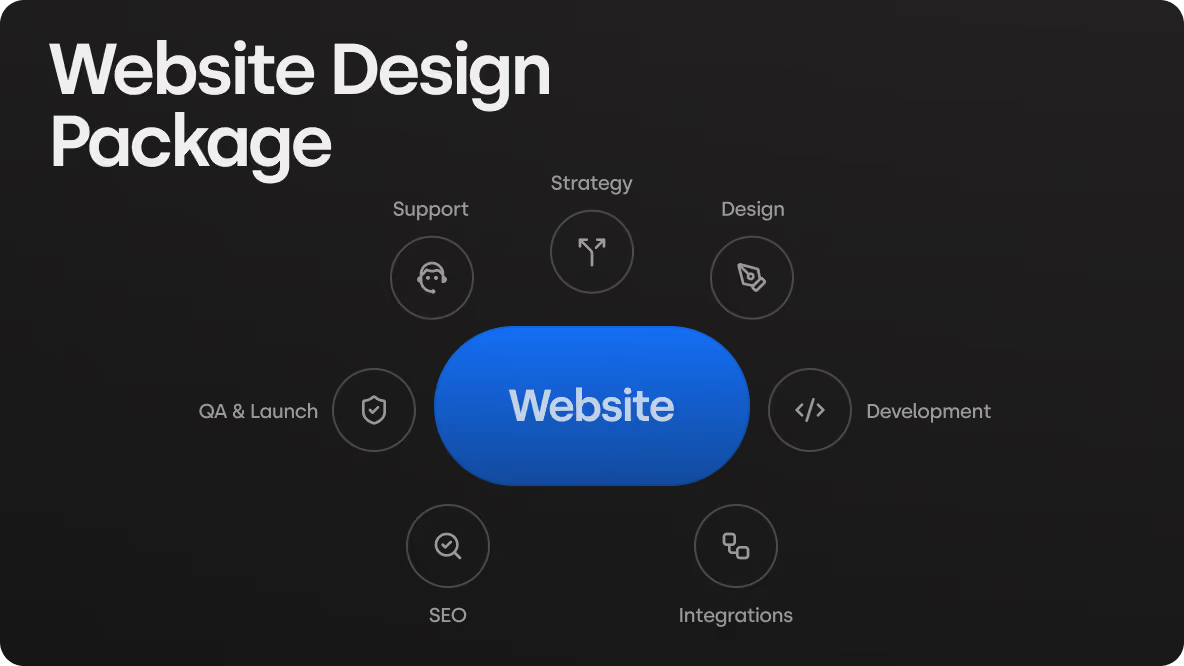
This level of complexity requires the same things any production-grade Webflow build needs, just multiplied across every locale you support: clean CMS architecture, documented integrations, an SEO foundation built in from day one, and full ownership transfer so your team isn't dependent on the agency for every future locale rollout.
Before hiring a corporate website design agency for a multilingual build, the questions that actually separate a production-grade implementation from a template-based one:
- Will hreflang, canonical tags, and sitemap structure be handled natively, or patched in after launch?
- Can your team add a new locale independently once the initial build ships?
- Is the CMS structured to scale past your current language count without a rebuild?
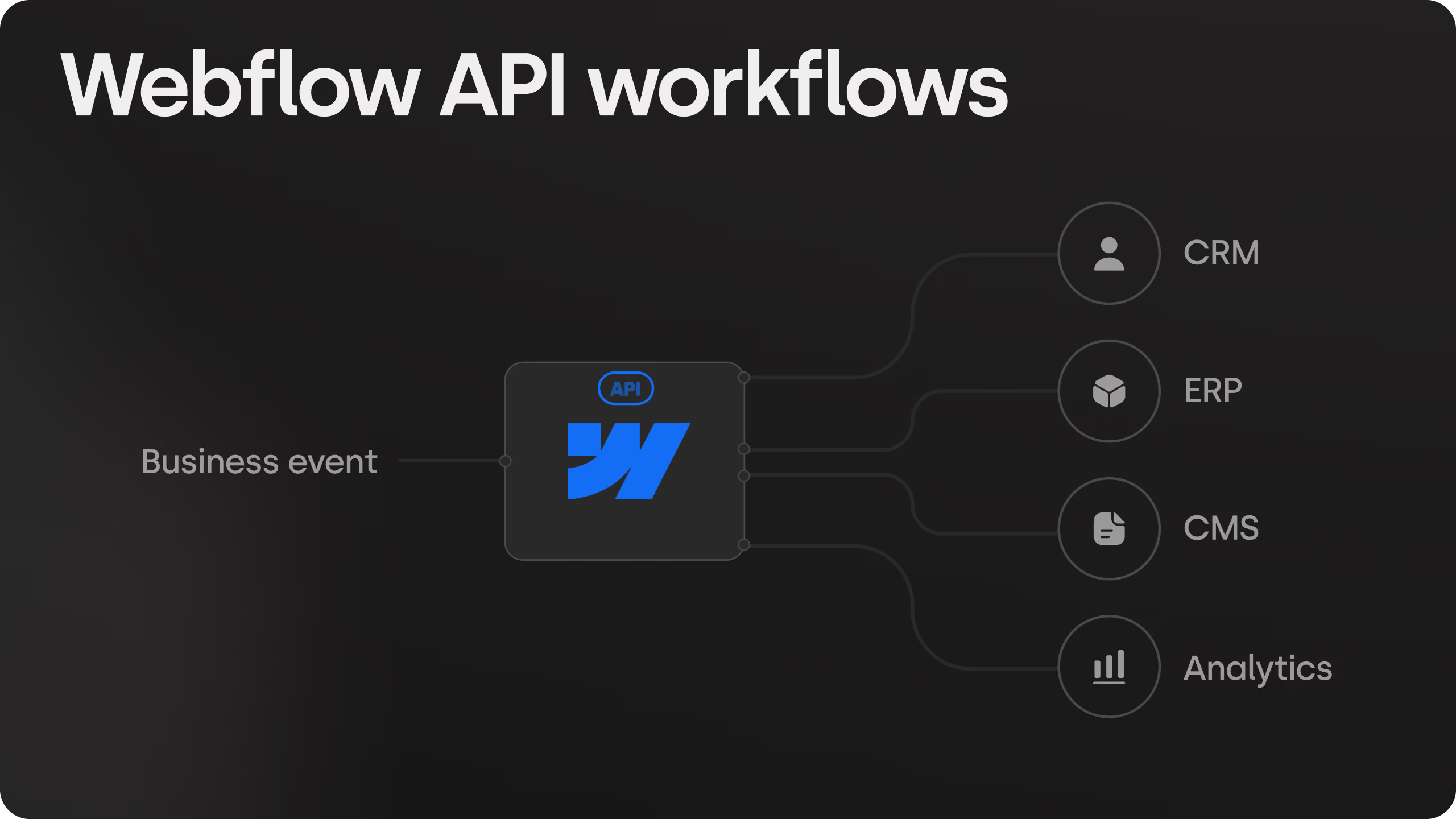
- Does the agency document the integration (Weglot, Crowdin, or native Localization) so your team isn't locked out of routine changes?
At Skywwward, this is the standard for every build, multilingual or not: fully custom CMS architecture, SEO foundation in place from day one, documented integrations, and full project ownership transferred at handover. We rebuilt Hoovest, a financial services company, across three languages and multiple domains, keeping design consistency and SEO equity intact across every locale rather than treating translation as a bolt-on.
Conclusion
For most SaaS companies, native Webflow Localization is the right starting point: it covers translated pages, CMS content, localized SEO, and locale routing without adding a third-party dependency. Weglot earns its place when speed matters more than granular SEO control, or when a team needs more languages live faster than manual translation allows. Crowdin and Phrase belong in the stack once translation becomes a continuous operational workflow rather than a one-time launch task.
What doesn't change across any of these paths is the architecture underneath them. One CMS, locale subdirectories, a single design system, and SEO signals built in from the first locale, not retrofitted after the fifth.
If you're scoping a multi-language Webflow build and want a second opinion on architecture, translation platform, or whether your current setup is actually structured to scale, we offer a free 30-minute consultation to map it out before you commit to a stack.
.avif)


Frequently asked questions
Should I use Webflow Localization or a tool like Weglot?
Use native Webflow Localization for full design control and the strongest native SEO setup. Use Weglot if you need to launch many languages quickly without manually translating every page and CMS item, and are comfortable trading some SEO granularity for automation.
What URL structure is best for a multilingual SaaS site?
Locale subdirectories (/fr, /de, /es) are the standard recommendation. They keep domain authority centralized, are easier for Webflow and translation platforms to manage, and avoid the SEO and UX drawbacks of subdomains or query parameters.
How many languages can Webflow handle?
Native Webflow Localization comfortably handles up to 15 languages for most marketing sites and CMS blogs. Past that, Webflow's 60-field collection limit and the operational overhead of manual translation usually justify moving to Weglot, Crowdin, or Phrase.
Does Webflow support hreflang tags automatically?
Yes, when Localization is enabled, Webflow automatically generates hreflang tags in both page-level HTML and the auto-generated sitemap for every published locale subdirectory.
How much does Webflow Localization cost?
The Advanced Localization plan is priced per secondary language, around $29/month per language at current Webflow pricing. Enterprise and Advanced plans also include automatic domain-level routing based on visitor browser preferences.
Can Webflow support multiple domains for different business lines?
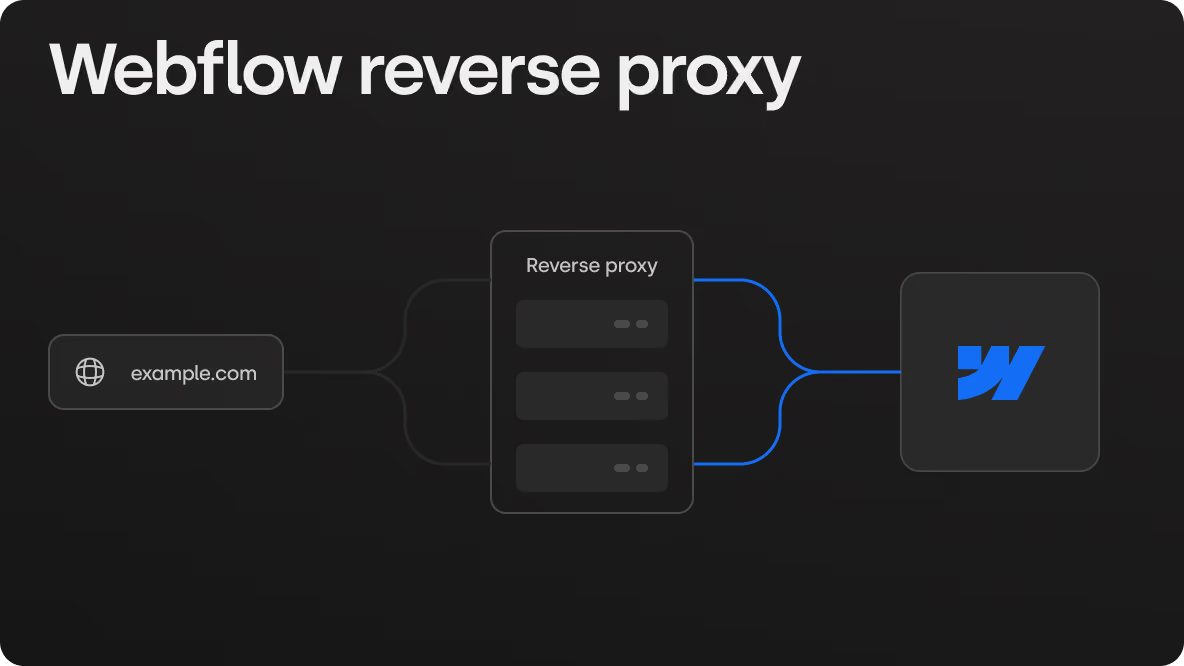
Yes, but it requires routing infrastructure Webflow doesn't include natively. Skywwward solved this for Hoovest, a financial group with multiple business lines, using Cloudflare Worker routing to serve separate domains from one governed Webflow project, kept visually and structurally consistent through a single design system instead of fragmenting into disconnected sites.
How long does it take to build a multilingual Webflow website?
A single-language site can launch in a few weeks. A full multilingual, multi-domain build typically runs 8-14 weeks depending on scope. Skywwward delivered Hoovest's trilingual, multi-domain rebuild, covering UX/UI design, development, and CMS handover, in 12 weeks.