Good fit if you need

Webflow migration services
we offer

Platform-to-Webflow Migration
Moving WordPress sites to Webflow, including the pages, templates and settings that make the site work. Other platforms too, on request.

Website + CMS Migration
Blog posts, case studies and other CMS content moved from a WordPress export, with dates, authors, images and SEO fields intact.

Content Mapping and Restructuring
Each WordPress content type mapped to a Webflow collection, with pages merged or split where the new structure needs it.

URL and SEO Continuity Setup
A redirect for every URL with traffic or links, built from Search Console and Analytics data, plus titles and meta descriptions carried over.

Design Rebuild and Optimization
The current design rebuilt as it is, or redesigned along the way.

Custom Functionality and Scripts Migration
Scripts, tracking codes and custom features reviewed, then rebuilt in Webflow or replaced where Webflow does it natively.

Integrations and Technical Setup
Forms, CRM connections, analytics and automations reconnected and tested on the new site.

Full QA and Post-Migration Testing
Redirects, links, forms and tracking checked before launch, then Search Console watched for crawl errors and 404s after.
Website migration process
Most migration problems come from two places: the blog and the redirects. Clients often expect us to copy posts from the live pages. We need a proper export from WordPress instead, so every post, image, category and date comes across intact. And when the new site merges or removes pages, every old URL still needs a new home. We plan both before building anything.
Security is often what starts the conversation. Tailored Films came to us after their WordPress site was hacked several times through an infected plugin. We moved them to Webflow, and the plugin and security problems ended with it.
Audit
We pull every URL that has traffic or links from Google Search Console and Google Analytics, and crawl the old site to catch the rest. That list decides what has to survive the move.
Export and content mapping
We get a WordPress export (posts, pages, media, categories) and map each content type to a Webflow CMS collection. Posts arrive with their dates, authors, images and SEO fields.
Redirect map
Every old URL gets a destination. Where pages are merged on the new site, the old ones redirect to the page that now covers them. Nothing gets sent to the homepage by default.
Rebuild in Webflow
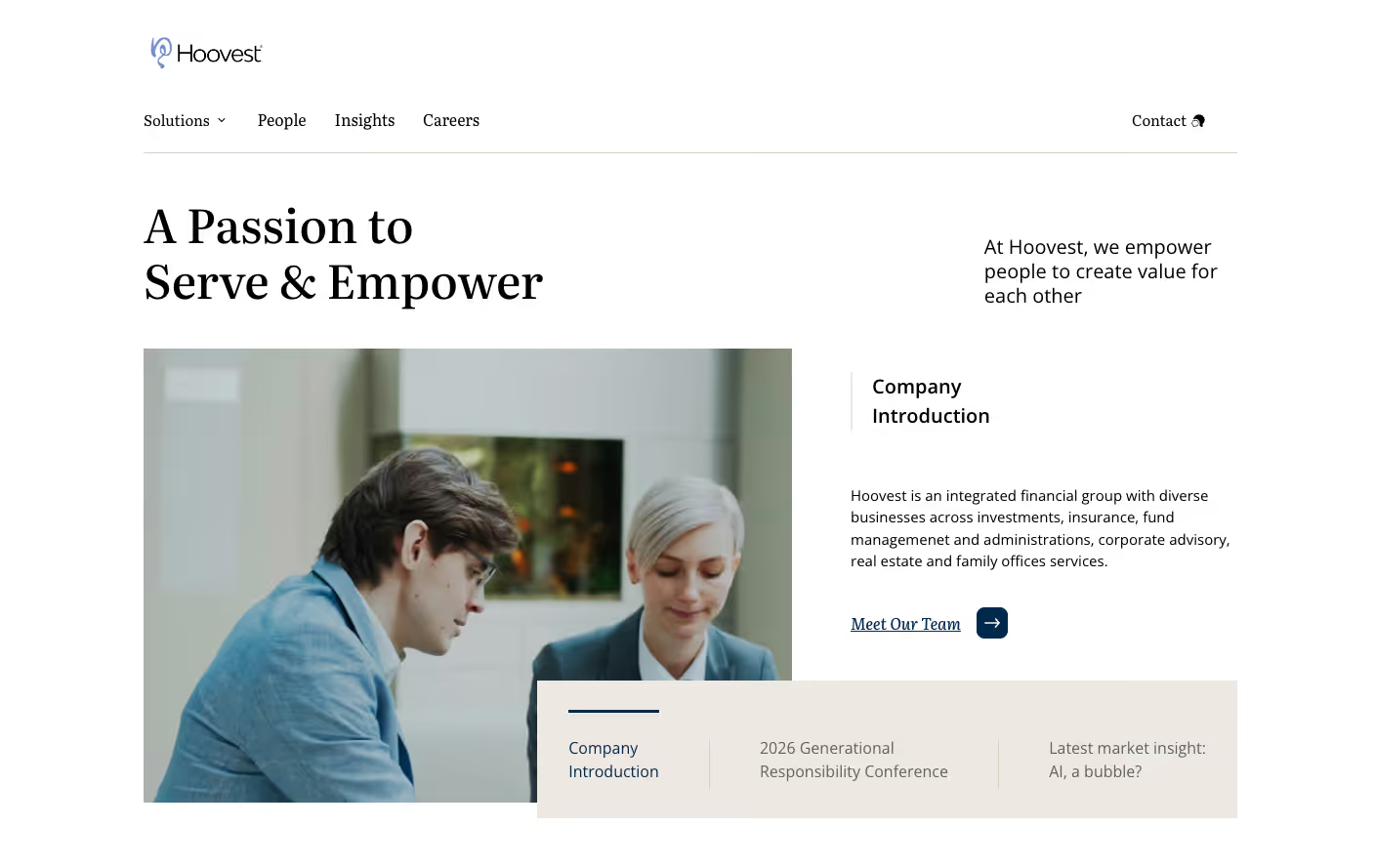
We rebuild the site as it is, or redesign it along the way. Hoovest moved to Webflow with a new brand and three languages in the same project.
QA
Before launch we check every redirect, internal link, form and tracking tag, and compare titles and meta descriptions against the old site.
Launch and monitoring
After launch we watch Search Console for crawl errors and 404s and fix anything that surfaces. 30 days of support are included.
A small site with a blog takes a few weeks. Large sites with hundreds of posts or custom functionality can take up to three months. Migrations start at $10,000; most land between $10,000 and $20,000, fixed before we start. Technical surprises on the old site are what usually extend a timeline, so we look for them in the audit.
What your team gets at handover


Site

Move to Webflow from any platform

Integrations with any tool
We connect your website to the tools you use every day to simplify operations. Whether it’s standard marketing platforms or custom API solutions, we ensure your data flows accurately between Webflow and your core software.
Tech-stack
Integrations














Working with us


As the only B2B marketer on my team, I'm responsible for a lot of things, and not having to worry about the website has made my life so much easier.



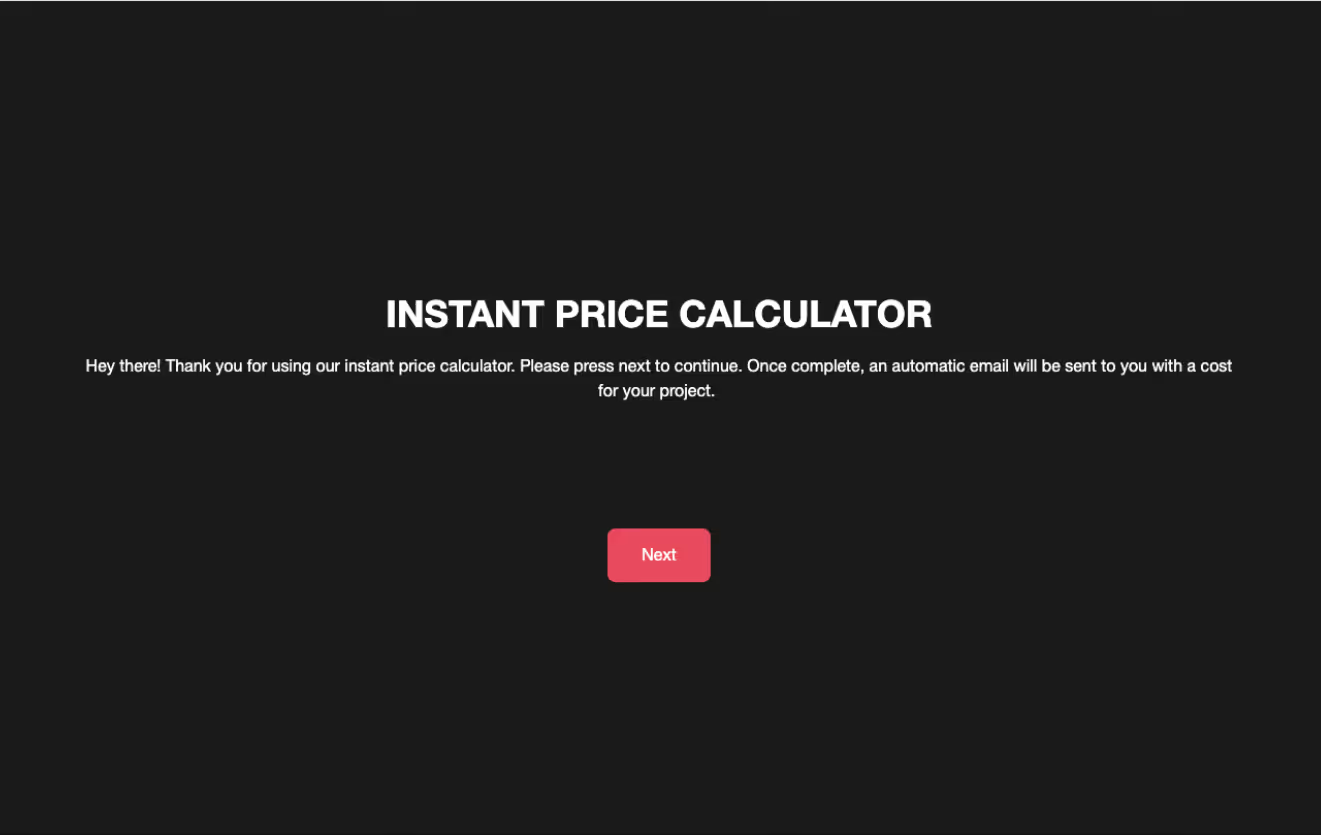
Instead of filling out a standard contact form, most clients now head straight to the calculator to get an instant estimate delivered to their inbox. From a commercial perspective, it's been absolutely invaluable.


Some of the best operators I've ever worked with, and I've been building websites for almost thirty years.



Hesitant to do this testimonial because I don't want anybody to fill up his calendar. But I can't recommend Hunor highly enough.



More than delivered against our expectations: collaborative, cost-effective, and exactly to the timeline.


Meet your dedicated
web builder

Hunor
Frequently asked questions
What platforms do you migrate from?
Mostly WordPress, but we take other platforms too. Tell us what you have and we'll tell you honestly what the move involves.
What's included in a migration?
An audit, the WordPress export and content mapping, a redirect map, the rebuild in Webflow, integrations, QA, and 30 days of support after launch.
Will my SEO drop after the migration?
Some movement in the first weeks is normal while Google re-crawls the site. Lasting drops usually come from missing redirects or lost content, which is what the redirect map and QA are for. We watch Search Console after launch and fix anything that comes up.
Do you keep the same URL structure?
Where it makes sense, yes. Where pages are merged or renamed, the old URL redirects to the page that now covers it.
Can you migrate blog posts and other CMS content?
Yes, from a WordPress export rather than the live pages, so posts come across with their dates, authors, images and categories.
What does a migration cost?
Migrations start at $10,000; most land between $10,000 and $20,000, fixed after the audit. Hosting is billed by Webflow. The audit is what tells us whether your site is on the low or high end.
Will our team be able to edit the new site?
Yes. The rebuilt site ships with a component library, page templates and a CMS collection for every repeated page type, plus a recorded training call. Your team publishes posts and pages without a developer and without plugins to maintain.
How long does a migration take?
A couple of weeks for a small site, up to three months for a large one. Feedback speed and surprises in the old site are the main variables.
Do you provide support after launch?
Yes, 30 days after launch, and ongoing maintenance after that if you want it.
Will I own the site afterwards?
Yes. The Webflow project moves to your workspace, and you get a recorded handover call so your team can run it.
How much downtime is there when we switch over?
There should be none planned. The new site is built and tested on a staging domain first, and the cutover itself is a DNS change. Your current site keeps serving until the change propagates, so visitors move across rather than hitting a gap.