Webflow vs Framer for B2B SaaS Marketing Sites (2026)

For a B2B SaaS marketing site in 2026, Framer is the faster and cheaper way to get a small, good-looking site live, and Webflow is the stronger platform once the team publishes at volume: many landing pages, a real blog and resource library, several languages, or integrations that have to hold up. Both let marketers publish without a developer. Framer gets you there with less setup; Webflow gives you more structure to keep a growing site consistent.
We build on Webflow and we are not neutral, so this comparison is deliberately generous to Framer. Several teams we respect have moved from Webflow to Framer and were right to.
What is the practical difference between Webflow and Framer?
Framer started as a design tool and became a site builder: the canvas works like Figma, publishing is instant, and the editing model is built for designers. Webflow started as a visual development tool: it exposes the box model, classes, variables and a structured CMS, and the editing model is built for a site that has to scale and be maintained by more than one person. Framer is quicker to a first version. Webflow is better at the fiftieth page.
Webflow vs Framer at a glance
| Question | Webflow | Framer |
|---|---|---|
| Time to a first site | Weeks, with a build phase | Days; design is the build |
| Editing model | Components with properties, variables, structured CMS | Canvas editing, components, a simpler CMS |
| Who it suits day to day | Marketers plus a designer who sets up the system | Designers, and marketers for copy and CMS |
| Multiple people editing at once | Designer is single-user per page in practice; the Editor and branching help | Real-time multiplayer on the canvas |
| CMS depth | Collections, references, multi-reference, up to 1 million items | Collections with fewer field types and relationships; improving |
| Localisation | Native, mature, per-locale content and SEO | Native, newer |
| Global styles | Classes, variables, style guide | Text and colour styles; fewer global layout controls |
| Integrations and custom code | Mature: embeds, custom code, API, Make, apps | Embeds and code components; API and plugins growing |
| SEO and performance | Clean HTML, full control of metadata and schema | Fast by default; metadata and schema controls adequate |
| Best for | Sites that will grow: many pages, several editors, languages, integrations | Small to mid-size sites that need to look great and launch fast |
When Framer is the right call
Choose Framer when the site is under about twenty pages, one or two people edit it, launch speed matters more than structure, and the team is design-led. Early-stage SaaS with a founder or a designer running the site fits this well. Framer's multiplayer editing is a real advantage: on Webflow, two people trying to work on the same page at the same time will get in each other's way, and that friction is one of the honest reasons teams have moved away from it.
Framer also costs less to get started, both in licence and in agency time, because there is no separate build phase after design.
When Webflow is the right call
Choose Webflow when the site is a publishing operation. A B2B SaaS marketing team that ships campaign landing pages weekly, runs a blog and a resource library, maintains case studies, and may add languages needs a CMS with references, templates and components with editable properties, and a style guide in variables so that page fifty matches page one. Webflow's structure is overhead on a ten-page site and insurance on a two-hundred-page site.
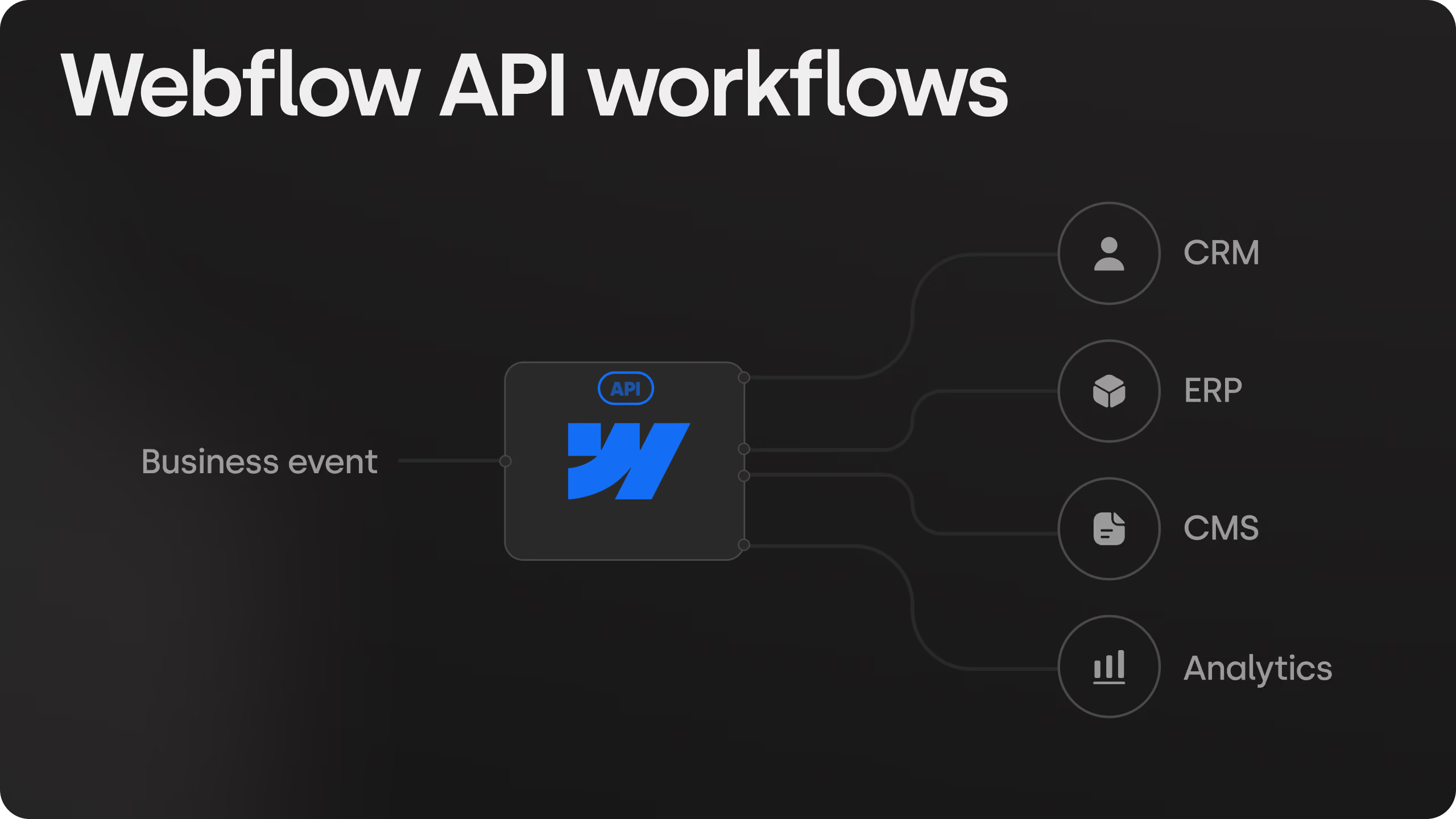
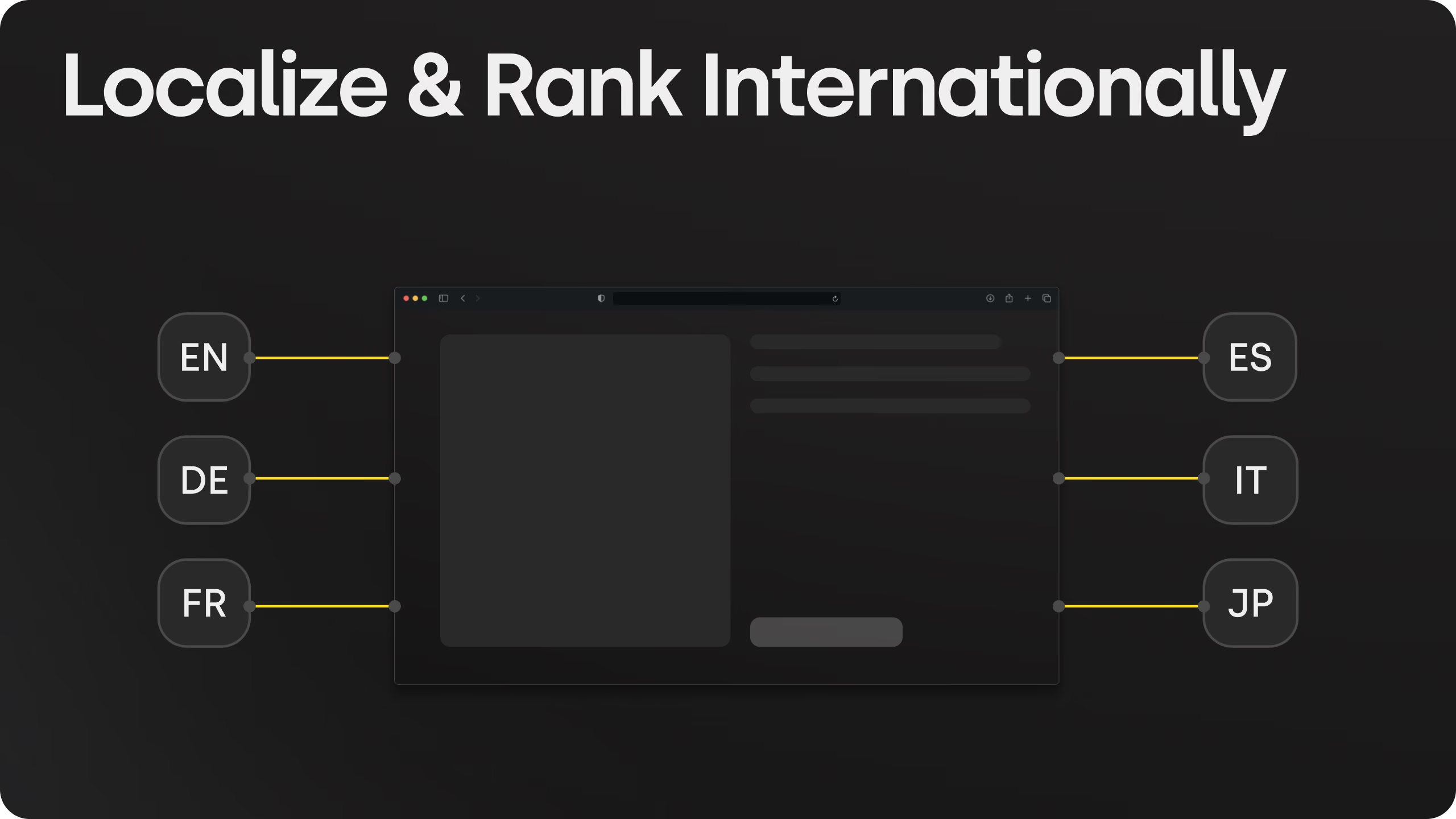
It is also the better fit when integrations are load-bearing. CRM routing, gated resources, calculators, multi-domain setups and custom scripts have years of patterns and tooling on Webflow. We ran a Salesforce qualification and routing pipeline for a healthcare company's site and served three languages across two domains for a financial group from one Webflow project; both would be harder on Framer today.
Where teams get this decision wrong
- Choosing Framer for a site that will grow fast. The first twenty pages are a joy. The migration at page eighty is not. Decide on the site you will have in two years.
- Choosing Webflow for a site nobody will maintain. Webflow's structure only pays off if someone sets it up properly and the team is trained. A Webflow site with no component library is a Framer site with more steps.
- Treating "no developer" as the differentiator. Both platforms deliver that. What differs is how the site holds together after a year of marketers editing it.
- Ignoring the editing-at-the-same-time question. If three people need to be in the site at once every day, Framer is better at that today. If one marketer publishes from templates, it does not matter.
How we build Webflow sites for teams who considered Framer
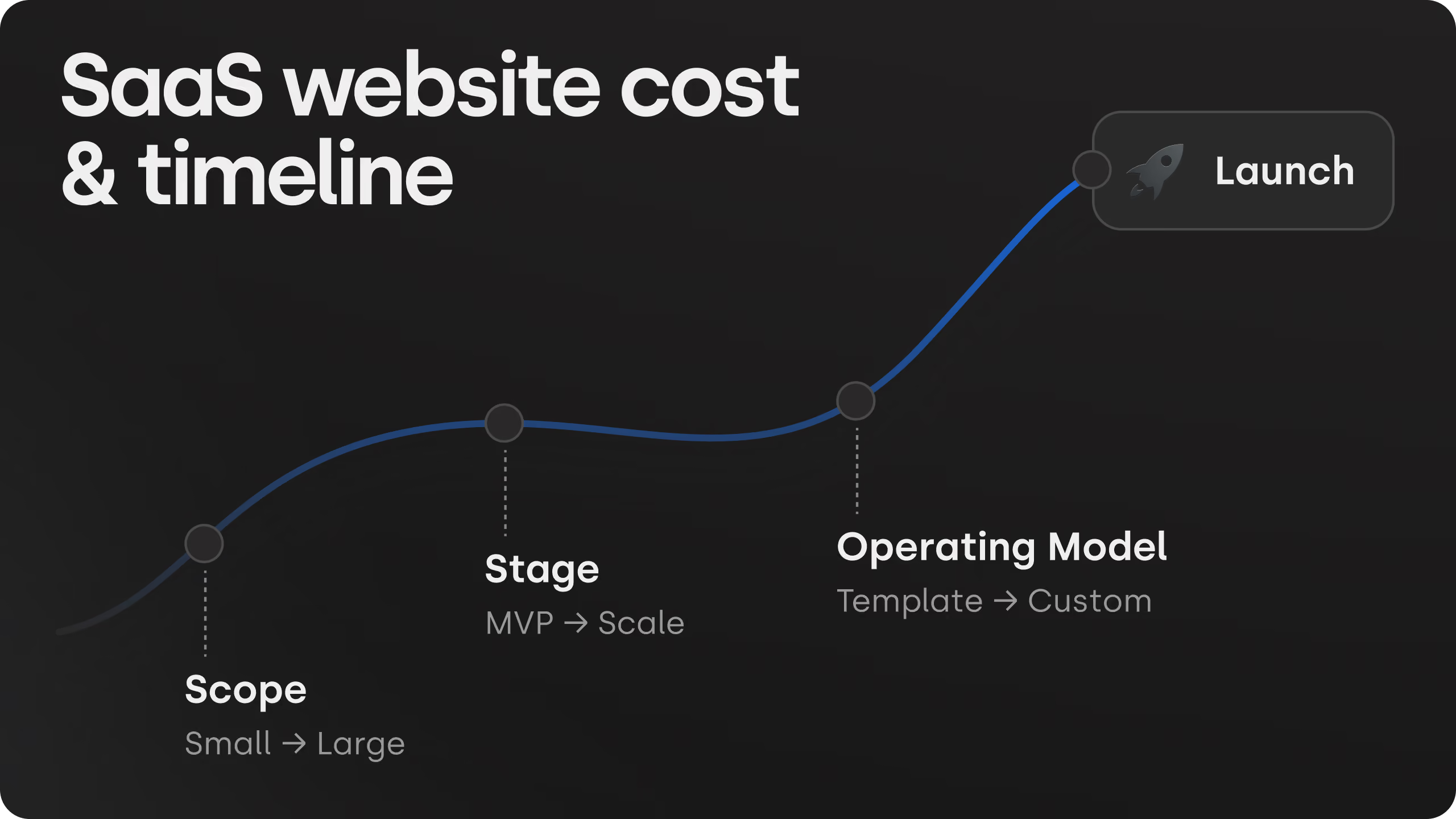
The honest pitch is structure. Every site ships with a component library, page templates, a style guide in Webflow variables and a CMS collection for every repeated page type, with a recorded training call, so the marketing team publishes on its own and the site still looks like one site a year later. Projects start at $10,000; most land between $10,000 and $20,000, fixed before we start. If your site is small and design-led and you want it live in a fortnight, Framer may serve you better, and we will say so on the call.
Tell us what your team publishes in a typical quarter and we will tell you which platform holds up.



Frequently asked questions
Is Framer faster to launch than Webflow?
Yes. In Framer the design is the build, so a small site can be live in days. Webflow has a separate build phase after design, which is where its structure (components, variables, structured CMS) gets set up. That structure is what pays off later on a larger site.
Can several people edit a Webflow site at the same time?
In practice the Webflow Designer is single-user per page, with the Editor and branching as workarounds. Framer has real-time multiplayer editing on the canvas. If three people need to be in the site at once every day, that favours Framer; if one marketer publishes from templates, it does not matter.
Which has the stronger CMS, Webflow or Framer?
Webflow. Collections with references and multi-references, more field types and a much higher item limit. Framer's CMS covers a blog and simple collections well and is improving, but a resource library with relationships, filters and several languages is easier on Webflow.
Does Skywwward build on Framer?
No. We build on Webflow. If your site is small, design-led and needs to be live in a fortnight, Framer may serve you better, and we will say so on the first call rather than sell you structure you do not need.
Which should a growing B2B SaaS team choose?
Decide on the site you will have in two years, not the one you launch with. Under about twenty pages with one or two editors: Framer is a good fit. Weekly landing pages, a blog and resource library, case studies, languages or load-bearing integrations: Webflow, built with a component library and page templates so the team publishes without a developer.